Product Image to Video Prompts for Ads and Ecommerce
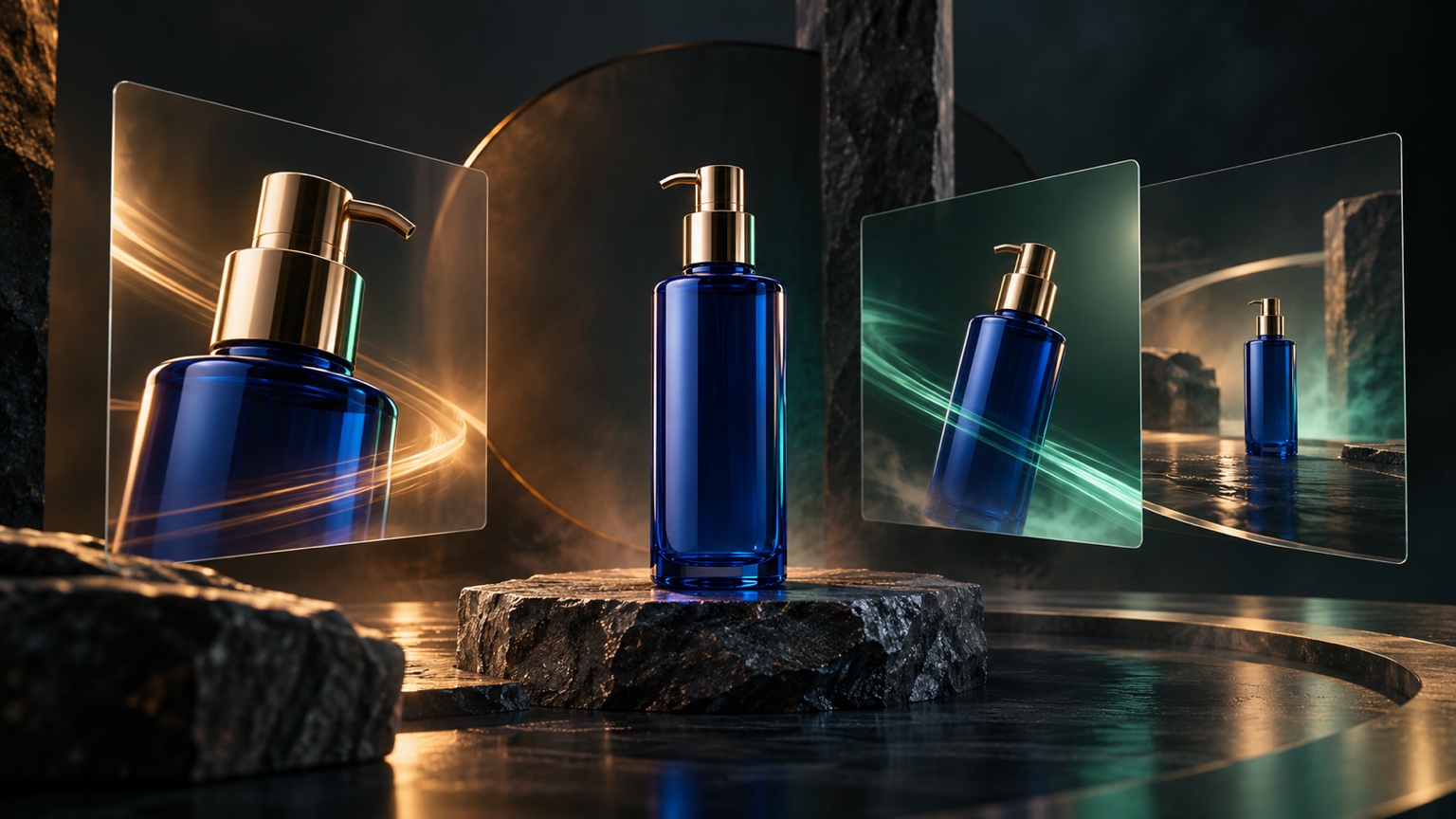
A useful product Image to Video prompt starts with the advertisement's job, not a list of effects. Decide whether the clip should reveal the product, emphasize a material, create atmosphere, hold attention in a social feed, or support a website hero. Then choose one controlled movement and state exactly which product details must remain unchanged.
The 12 prompts below are designed for ecommerce and advertising concepts made from a single product photo. They protect the product as the visual anchor while the camera, light, or background supplies motion. For the complete source-image and review workflow, read how to turn product photos into videos with AI. For the underlying prompt structure, use the Image to Video prompt guide. If the result bends the product or changes the background, consult the common Image to Video problems and fixes.
Match the Prompt to the Ad Job
Choose the simplest visual change that supports the placement. A product page may need clarity and material detail. A paid social concept may need a faster hook. A website hero usually needs restrained, repeatable movement that does not compete with nearby copy.
| Ad job | Motion to try first | Detail to protect |
|---|---|---|
| Clean product reveal | Slow push in or soft light sweep | Silhouette, color, label position |
| Material emphasis | One moving highlight | Texture, finish, reflections |
| Lifestyle atmosphere | Gentle background movement | Product geometry and placement |
| Social feed hook | One clear action in the first moment | Crop and product recognition |
| Website hero | Static camera with subtle environment | Negative space and stable framing |
| Product detail | Small focus change or restrained push in | Feature shape and surrounding context |
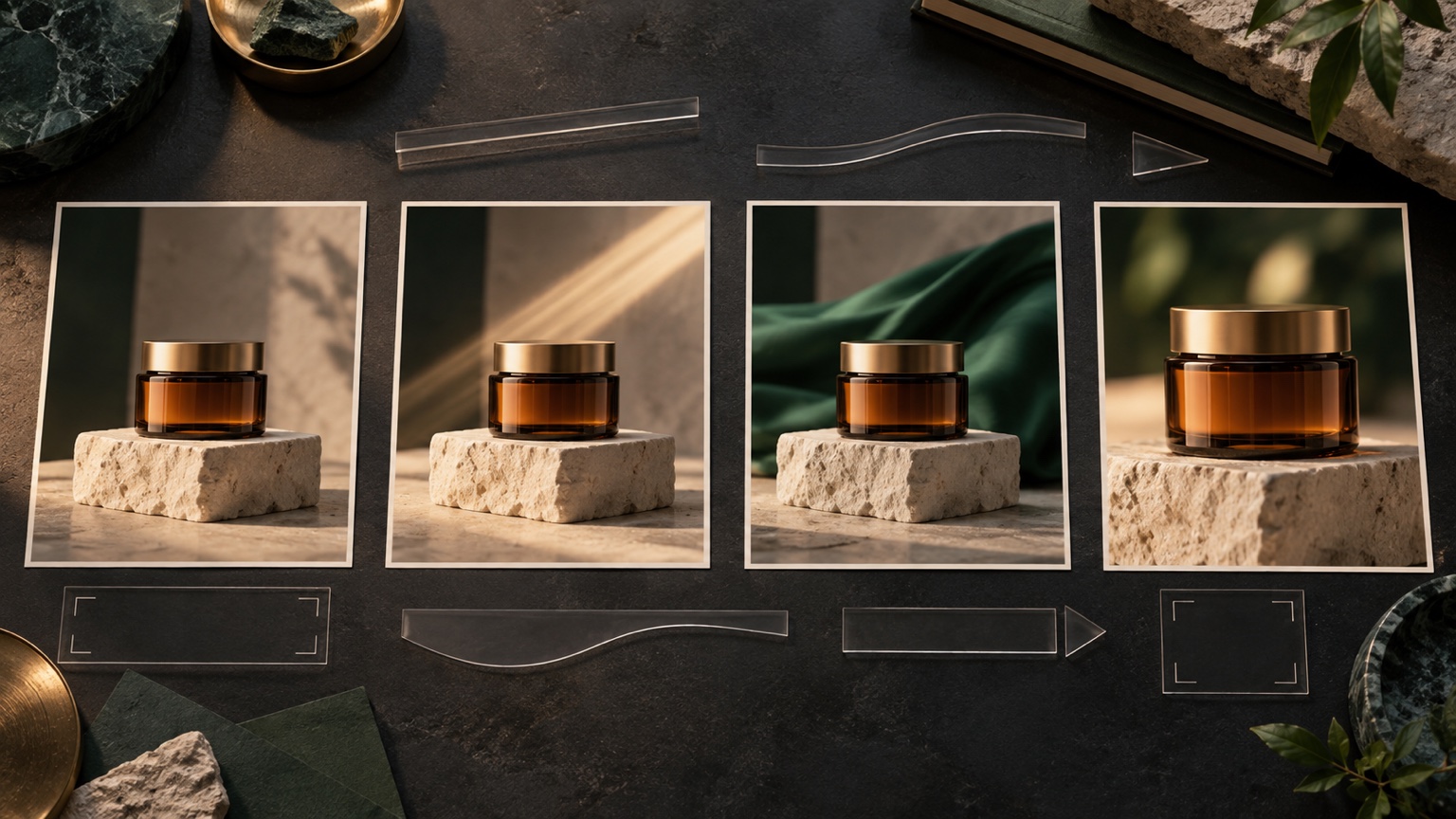
Use a Product Safe Prompt Structure
Build each prompt from four parts:
Keep [product identity details] unchanged. [One visible motion] happens at [pace]. [One camera or environmental instruction]. Preserve [shape, color, material, label position, and background details]. Do not add [unwanted objects, text, or structural changes].
The constraints should match the product. A shoe prompt may protect its sole, laces, logo area, and mesh. A bottle prompt may protect its cap, label position, liquid level, glass color, and reflections. A watch prompt may protect the case, dial, hands, crown, strap, and metal finish.
Test one controlled version in Vidou's free product Image to Video generator, then compare the beginning, middle, and final frames with the source photo. Keep the source unchanged while revising the prompt so you can identify which instruction helped.
1. Clean Studio Product Reveal
Use this when the product is centered against a simple background and the goal is to make a static catalog image feel more deliberate without changing the scene.
Keep the product centered and fully visible. The camera makes a slow, smooth push in while the studio light remains soft and stable. Preserve the exact silhouette, proportions, colors, material, label placement, pedestal, and background. No rotation, no new objects, no text changes, and no sudden camera movement.
2. Soft Light Sweep for Material Detail
Use a moving highlight when the material is part of the selling point, such as glass, metal, leather, satin, polished plastic, or glazed ceramic.
Keep the product and camera completely still. One soft highlight travels slowly from left to right across the visible surface. Preserve the exact shape, finish, color, edges, logo area, label placement, and background. No flicker, no second light source, no rotation, and no surface deformation.
3. Packaging Hero With Moving Shadows
Use this for skincare, fragrance, food packaging, or other upright products when a subtle environment can add mood without moving the package.
Keep the package upright, centered, and unchanged. Soft window shadows move slowly across the background while the camera remains static. Preserve the package geometry, cap, edges, colors, label position, visible text area, surface, and pedestal. No added props, no moving product, and no changes to the packaging.
4. Gentle Fabric Background Motion
This prompt suits cosmetics, accessories, jewelry, or premium objects already photographed with fabric in the scene.
Keep the product fixed in its original position. The fabric in the background moves gently in a light breeze while the foreground remains still. Preserve the product silhouette, color, material, label or logo area, shadows, pedestal, and original composition. No new folds in front of the product, no camera movement, and no added objects.
5. Footwear Detail Push In
Use a restrained move to direct attention toward one visible construction detail without asking the shoe to turn or reveal an unseen side.
Keep the shoe in the same position and angle. The camera pushes in slowly toward the visible side panel as a soft highlight moves across the material. Preserve the exact silhouette, sole, laces, stitching, mesh, colors, logo area, and background. No foot, no rotation, no new branding, and no shape changes.
6. Watch or Jewelry Reflection Pass
Reflective products need a single controlled lighting idea and a stable camera.
Keep the watch completely still on its stand. A narrow soft reflection moves once across the bezel and crystal. Preserve the case, dial, hands, markers, crown, strap, metal finish, proportions, and dark background. No rotation, no sparkling particles, no extra jewelry, and no changes to the dial.
7. Food or Beverage Atmosphere
Use environmental movement that is already plausible in the source, such as steam above a warm drink or a small condensation highlight on a cold container.
Keep the cup, handle, liquid level, saucer, and table setting unchanged. A thin stream of steam rises slowly and drifts slightly to the right. The camera remains static and the morning light stays consistent. No spilling liquid, no changing container shape, no new ingredients, and no added text.
Do not use motion to imply temperature, ingredients, freshness, or performance that the real product cannot support. Treat the clip as a creative concept until the claim and product presentation are reviewed.
8. Controlled Background Color Shift
A restrained background transition can create a campaign variation while leaving the product presentation stable.
Keep the product, pedestal, and camera fixed. The background light changes gradually from warm amber to muted green while the product lighting remains neutral. Preserve the exact product shape, color, material, label placement, shadows, and composition. No color change on the product, no new objects, and no pulsing light.
The product color must remain accurate throughout. Reject a result if the background treatment contaminates the product hue or changes the apparent material.
9. Vertical Social Ad Hook
Use this when the source already has enough space above and below the product for a vertical crop. The opening action should be clear without becoming chaotic.
Keep the product centered inside the vertical frame. Begin with a soft shadow moving behind it, followed by one slow camera push in. Preserve the product shape, proportions, color, material, label position, and safe space around every edge. No rotation, no extra objects, no text changes, and no abrupt zoom.
Check the actual placement before approval. Interface overlays, captions, or buttons may cover areas that look empty in a clean preview.
10. Square Ecommerce Feed Creative
For a square post, protect the edges and keep the motion readable at a smaller display size.
Keep the product large, centered, and fully inside the square composition. A soft pool of light expands slowly behind the product while the camera stays still. Preserve the product silhouette, colors, material, label area, pedestal, and background texture. No crop changes, no new props, no rotation, and no fast effects.
The product should remain recognizable even when the clip is viewed without sound or reduced to a feed thumbnail.
11. Website Hero With Negative Space
Use this for a wide composition that already leaves room for real webpage copy. Do not ask the generated video to create or animate the headline itself.
Keep the product anchored on its original side of the frame and preserve the clean negative space. The camera remains static while a faint background shadow moves slowly and one soft highlight crosses the product. Preserve the exact product geometry, colors, material, label position, background, and empty copy area. No added text, no reframing, and no new objects.
Review the loop point and the page layout together. Motion should support the page hierarchy, not pull attention away from the actual headline and button.
12. Product Detail Focus Transition
Use a subtle focus change only when the source contains a clear foreground detail and a complete product behind it.
Begin with the visible foreground material detail in focus, then shift focus slowly to the complete product. Keep the camera fixed. Preserve the product silhouette, proportions, colors, label position, foreground object, background, and lighting. No object movement, no new details, no crop change, and no sudden blur.
If the transition hides the product for too long or makes the detail look different, replace it with a simple push in.
Adapt a Prompt Without Rewriting Everything
Start with the closest template and change only the variables that belong to your source:
- Replace the generic product name with the visible item.
- Name three to six identity details that would make the result unusable if they changed.
- Choose one camera, lighting, or environmental movement.
- Match the pace to the placement: restrained for product pages and website heroes, clearer and earlier for short social concepts.
- Remove instructions that require hidden sides, new props, or a different environment.
Do not stack a push in, orbit, light sweep, fabric movement, particles, and background transition into one prompt. Generate one controlled idea first. If it works, create a second variation by changing one production choice while keeping the source and preservation language constant.
Review the Result as an Advertisement
An attractive clip can still be unsuitable for commercial use. Check the result against the original product photo and the intended placement.
- Product accuracy: Are shape, color, finish, packaging, and visible features consistent?
- Text and branding: Did any label, logo area, or small character change?
- Claim risk: Does the motion imply a feature, ingredient effect, durability, result, or performance that has not been approved?
- Composition: Is the product fully visible inside the final crop and interface safe areas?
- Continuity: Do the background, shadows, reflections, and product position remain coherent from beginning to end?
- Purpose: Does the movement support the ad job, or is it simply decorative?
Keep the original still, the approved prompt, and the final clip together during review. If the product becomes inaccurate, shorten the movement, simplify the lighting, or return to a clearer source image. Do not publish a generated variation merely because the motion looks polished.
Build a Controlled Prompt Set
Choose one prompt that matches the placement, protect the details that define the product, and test a single motion idea. Once that version remains accurate from beginning to end, create variations one change at a time. A small set of controlled prompts is more useful than one overloaded instruction because each result has a clear purpose and a clear reason to revise it.
Editorial note: These prompts are instructional templates based on Vidou's current public interface, its published educational articles, and general product-advertising review principles. They are not presented as benchmarked Vidou outputs. The two editorial images were created with generative AI and reviewed for relevance; they do not depict customer assets, actual advertisements, or Vidou generation results.