Image to Video Prompt Guide: How to Write Better Motion Prompts
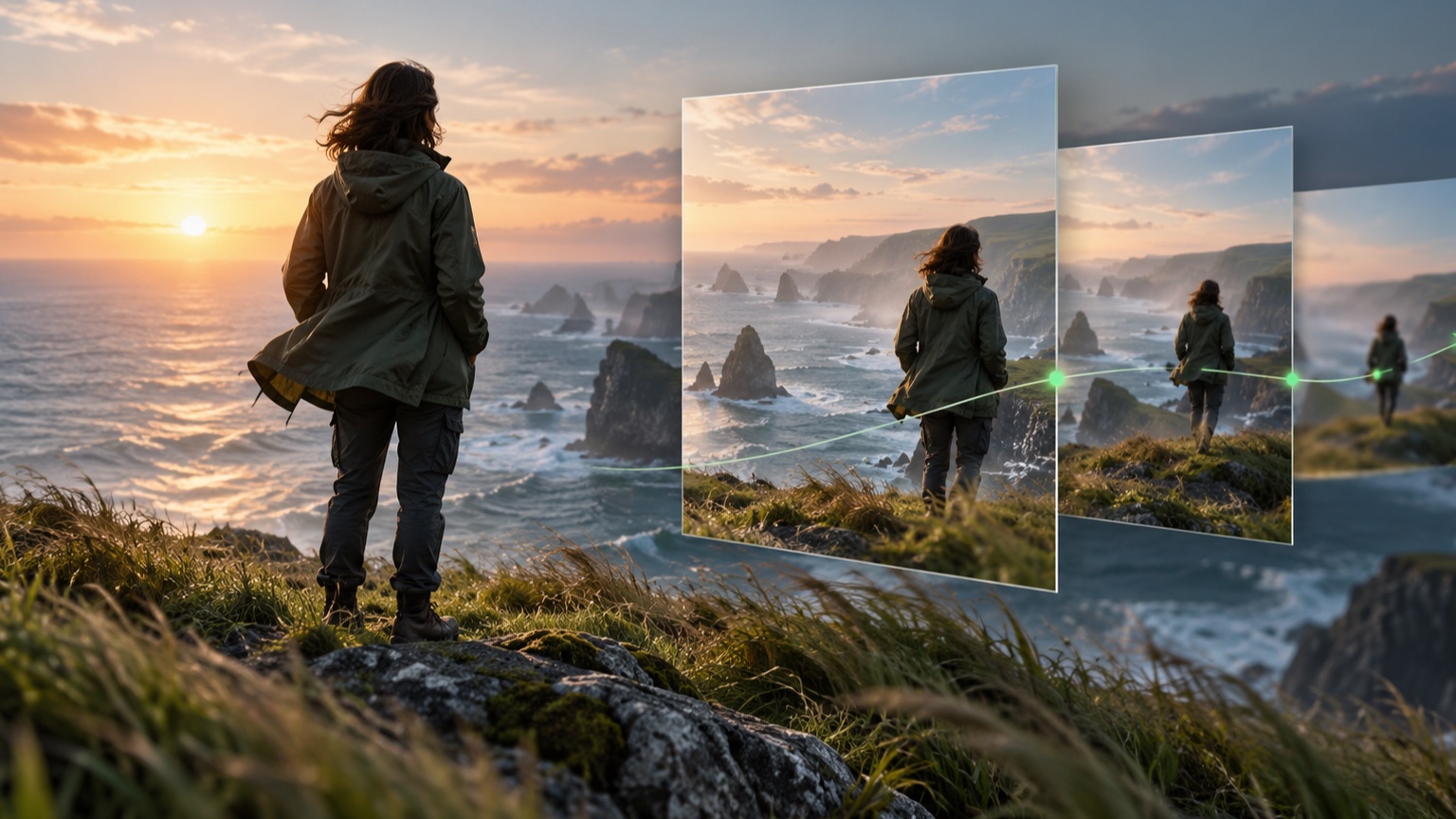
A useful Image to Video prompt tells the system what should change over time and what should remain stable. Start with one visible subject action, add one camera instruction only when it helps, describe the pace in plain language, and protect any face, product, logo, or background detail that must not drift. A focused prompt is usually easier to interpret and revise than a long list of cinematic adjectives.
This guide explains how to build that prompt deliberately. It focuses on motion language rather than the full creation workflow. If you need the complete process from choosing a source image through reviewing the finished clip, read how to animate a photo with AI. For a broader introduction to the technology and its common uses, see the complete guide to AI image to video generation.
What an Image to Video Prompt Actually Controls
The source image already contains the subject, composition, colors, lighting, and visible background. Your prompt should not spend most of its space describing what the image already shows. Its main job is to explain what happens next.
In practice, a motion prompt can guide five decisions:
- What the main subject does.
- Whether and how the camera moves.
- What moves in the environment.
- How fast or intense the movement feels.
- Which visible details should remain stable.
Think of the prompt as direction for a short shot, not a description for creating a new image. The clearer the hierarchy, the easier it is to identify which instruction needs revision when the result is not what you expected.
The Five Decisions Inside a Useful Motion Prompt
1. Subject Motion
Begin with one action that can be seen. “Make it dynamic” is an intention, not an action. “The runner looks toward the road while her jacket moves in the wind” gives the system visible changes to interpret.
Useful subject motion verbs include:
- turns
- looks
- blinks
- walks
- sways
- rises
- drifts
- ripples
- rotates slowly
Keep the action compatible with the source image. A close portrait can support blinking, a slight head turn, or moving hair more naturally than a request for the person to run out of frame. A single product photo can support a slow reveal or moving light, but a complete rotation asks the system to invent surfaces that are not visible.
2. Camera Movement
Add camera movement only when it improves the shot. A slow push in can direct attention toward a face or product. A pull back can reveal more context. A gentle pan can follow a wide landscape. A static camera can be the best choice when the subject already has enough movement.
Use one clear camera instruction:
Slow camera push in.Gentle pan from left to right.Camera remains static.Smooth tracking movement beside the subject.
Avoid combining a push, orbit, tilt, pan, and zoom in the same short prompt. Competing camera directions make the intended framing less clear and may require the system to invent too much unseen space.
3. Environmental Motion
Environmental movement can make a shot feel alive without forcing the main subject to perform a large action. Water can ripple, clouds can drift, leaves can move in a breeze, steam can rise, and light can shift subtly across a surface.
Treat atmosphere as support. If the subject turns, the camera moves, rain begins, lights flash, fog rolls in, and objects enter the scene at once, the prompt no longer has a clear priority. Choose the environmental motion that best supports the main action.
4. Pace and Intensity
Words such as slow, gentle, subtle, steady, and calm help define restrained movement. Words such as rapid, sharp, or energetic ask for greater intensity, but they can also increase the chance of abrupt motion or visible distortion.
Pace should match the source. A quiet portrait often benefits from minimal movement. A sports image may support stronger motion if the pose, framing, and background provide enough visual information. Describe the speed you want instead of relying on broad words such as “epic” or “cinematic.”
5. Details to Preserve
Use preservation language for details that matter to the final use. Examples include a face, hairstyle, product silhouette, logo, label, clothing pattern, building geometry, or background layout.
Write constraints as direct instructions:
Keep the face and hairstyle consistent.Preserve the product shape, logo, label, and colors.Keep the buildings and background layout stable.Do not add new objects to the scene.
Do not list every pixel in the image. Protect the few details whose change would make the clip unusable.
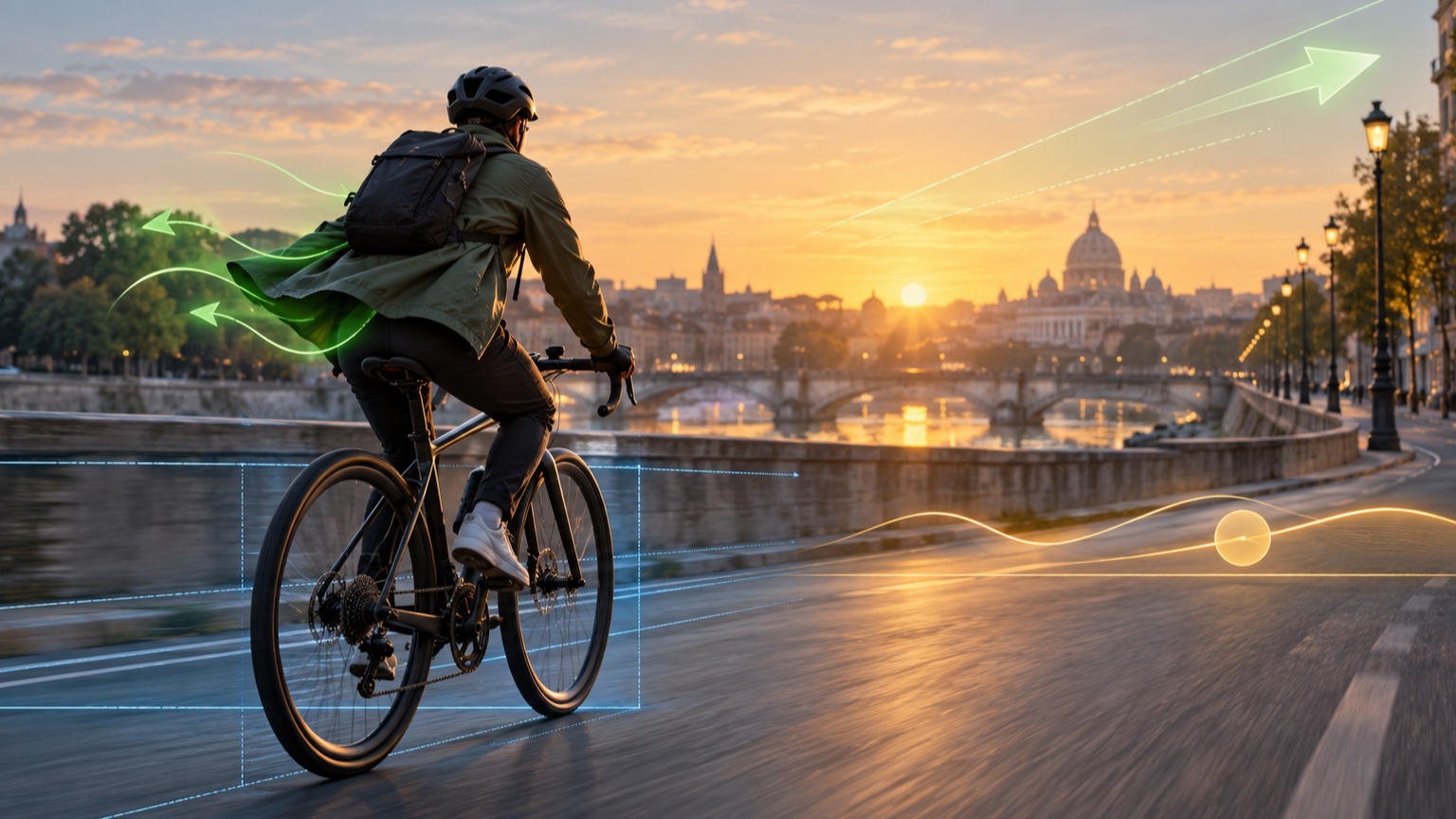
Build a Prompt in Five Passes
A reliable way to write a motion prompt is to add one decision at a time.
Start with the subject:
The cyclist looks toward the road.
Add one visible secondary movement:
The cyclist looks toward the road while her jacket moves slightly in the wind.
Add the camera:
The cyclist looks toward the road while her jacket moves slightly in the wind. Slow camera push in.
Define the pace and environment:
The cyclist looks toward the road while her jacket moves slightly in the wind. Slow camera push in. Trees move gently in the background with a natural, calm pace.
Finish with the important constraints:
The cyclist looks toward the road while her jacket moves slightly in the wind. Slow camera push in. Trees move gently in the background with a natural, calm pace. Keep her face, bicycle, clothing, and the street layout consistent.
Each sentence has a job. If the first version is too busy, remove the environmental motion. If the framing changes too much, replace the push in with a static camera. If the subject drifts, strengthen the preservation instruction. This structure makes revision more controlled than rewriting everything at once.
Weak Prompts and Better Rewrites
Portrait
Weak:
Make this portrait cinematic and beautiful.
Better:
The woman blinks naturally and turns her gaze slightly toward the camera. Her hair moves in a light breeze. Slow camera push in, soft movement, and a calm pace. Keep her face, clothing, and background consistent.
The rewrite replaces abstract praise with visible actions, a camera direction, a pace, and specific details to preserve.
Product
Weak:
Create an exciting advertisement for this sneaker.
Better:
The camera moves slowly toward the sneaker as a soft highlight travels across the side. Keep the shoe shape, logo, materials, colors, and studio background unchanged.
The prompt stays within what a single product image can support. It does not request a hidden side of the shoe or an entirely new scene.
Ready to test a prompt? Begin with the better version, review the full frame, and change only one instruction before generating another variation.
Revise One Variable at a Time
When a result needs improvement, keep the source image and the rest of the prompt unchanged while testing one adjustment.
If motion is too strong, replace energetic with gentle or remove a secondary action. If the background changes, reduce the camera movement and add a stability constraint. If a face changes, request smaller facial motion and preserve facial proportions. If the result feels still, replace an abstract instruction with one visible verb.
Use this revision order:
- Confirm the main action.
- Reduce or remove secondary movement.
- Simplify the camera direction.
- Clarify the pace.
- Strengthen one preservation constraint.
This process does not guarantee an identical result on every attempt. It makes your tests easier to compare because each revision has a clear purpose.
A Reusable Motion Prompt Template
Use this structure as a starting point:
[Main subject] [one visible action]. [One camera instruction]. [One supporting environmental movement]. [Pace and mood]. Keep [important visible details] consistent.
Short version:
The subject moves gently. Slow camera push in. Keep the face and background stable.
Detailed version:
The chef places the finished dish on the counter as steam rises slowly. Gentle camera push in, warm kitchen light, and a natural pace. Keep the chef's face, hands, plate shape, food arrangement, and background consistent.
Use the short version when the image and action are simple. Add detail only when it removes ambiguity or protects something important. You can try the structure in Vidou's free AI image to video generator, then revise one line at a time after reviewing the result. For more starting points across different subjects, browse 50 Image to Video prompt examples for realistic motion.
Motion Prompt Checklist
Before generating, confirm that your prompt:
- Names one main subject action.
- Uses no more than one camera direction.
- Adds environmental motion only when it supports the subject.
- States the intended pace in plain language.
- Protects the few details that must remain stable.
- Avoids asking for several scenes in one generation.
- Does not depend on hidden visual information.
- Gives each sentence a clear purpose.
Frequently Asked Questions
How long should an Image to Video prompt be?
Use enough words to define the main action, camera, pace, and essential constraints. A few focused sentences are often more useful than a long paragraph filled with mood words and competing actions.
Should I describe everything visible in the image?
No. The image already supplies the subject and visual setting. Describe what should move and call out only the visible details that must remain stable.
Should every prompt include camera movement?
No. A static camera is often better when the subject or environment already has meaningful motion. Add camera movement only when it supports the composition and the purpose of the shot.
How do I keep a face, logo, or product stable?
Start with a clear source image, request restrained movement, and name the important detail directly in a preservation sentence. Avoid camera moves or rotations that require the system to invent hidden views.
Write a Clearer Motion Prompt
A strong motion prompt does not need to sound technical. It needs a clear priority. Name one visible action, choose a camera direction only when it helps, control the pace, and protect the details that matter. Then review the full frame and revise one variable at a time.
Write Your First Motion Prompt With Vidou
Editorial note: This guide was prepared from Vidou's current public interface, its published educational pages, and general prompt design principles. The prompt examples are instructional and are not presented as benchmarked Vidou outputs. The two editorial illustrations were created with generative AI and reviewed for relevance; they do not depict actual Vidou results.