How to Keep Faces Consistent in AI Image to Video
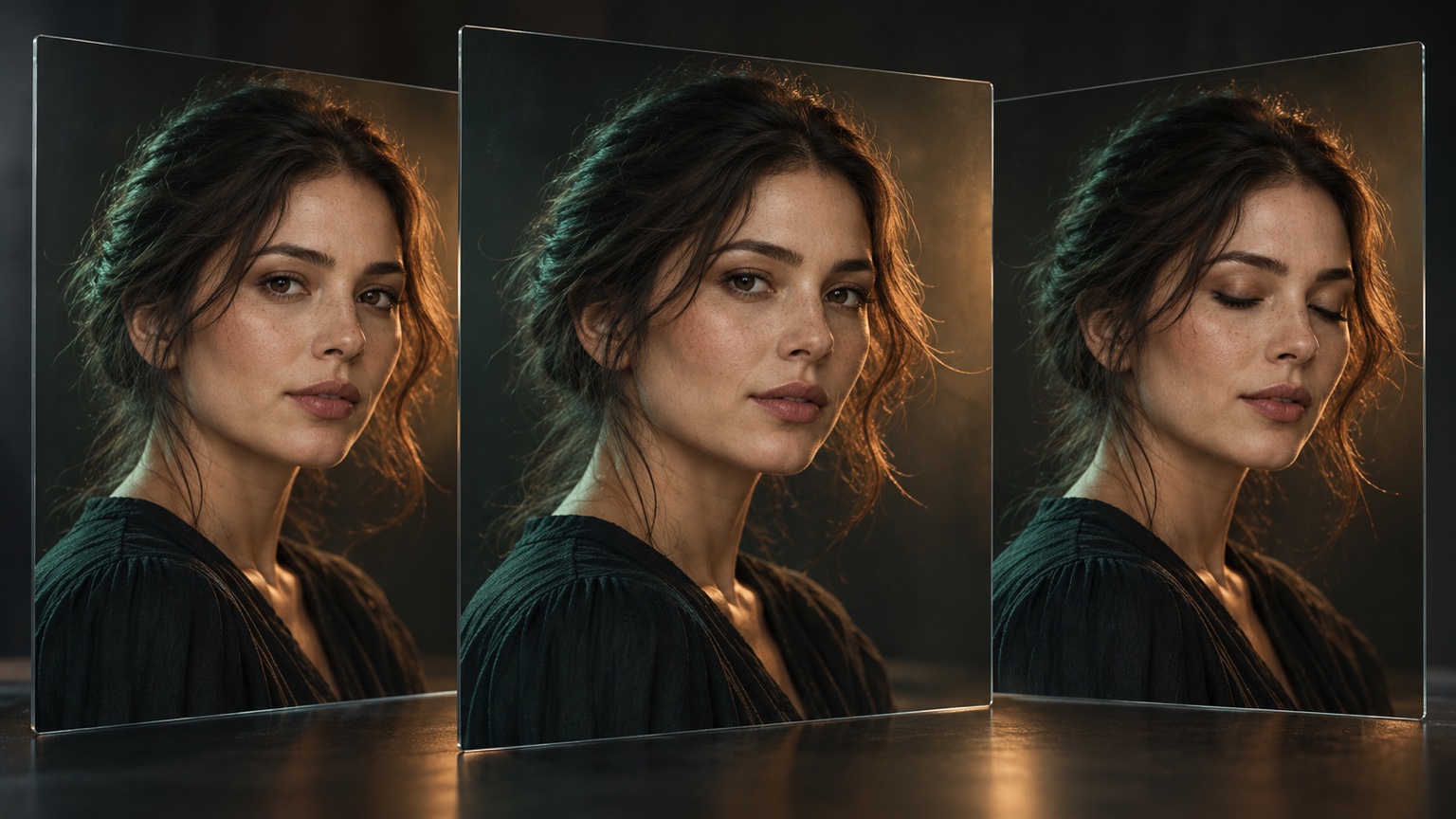
To keep a face consistent in AI Image to Video, begin with a source image that defines the face clearly, request a small movement the visible angle can support, and name the identity details that must remain stable. Then compare the beginning, middle, and final frames. If the face changes, reduce one variable instead of adding more prompt language.
This guide focuses on one person in one short clip. It does not cover maintaining a character across several scenes, outfits, or camera setups. For the broader writing framework, use the Image to Video prompt guide. If the face is only one of several failures, start with the common Image to Video problems and fixes. When framing is the main issue, choose a safer move with the camera movement guide.
Why Faces Change During Motion
A source image defines only one visible moment. When a prompt asks for a large head turn, a wide smile, a fast camera move, or a new viewing angle, the result must fill in facial information that the source does not show clearly. Heavy filters, blur, deep shadows, hair across the face, glasses glare, and a very small face can make the stable details harder to read.
Stacking facial, camera, lighting, and background changes also makes it difficult to identify which instruction caused the identity to drift.
Consistency is therefore a workflow, not one magic phrase. Improve the source, limit the requested change, protect a few defining details, and review the full sequence before increasing motion.
Start With a Source That Defines the Face
Choose a portrait in which the face is large enough to inspect and important features are not hidden. A clean source does not need to look like an identification photo, but the eyes, eyebrows, nose, mouth, jawline, hairline, and skin tone should be readable at the intended crop.
Check these details before generating:
- Focus: The eyes and facial edges are sharp.
- Angle: The motion stays close to the visible head angle.
- Lighting: Important features remain visible without deep shadow or blown highlights.
- Occlusion: Hair, hands, or accessories do not cover details you need to preserve.
- Expression: The starting expression is close to the requested change.
- Scale: The face is large enough to review.
- People: In a group, the prompt identifies who moves and who stays still.
Avoid heavy smoothing, reshaping, sharpening halos, or filters before animation. Use the version closest to the appearance you want to preserve.
Match the Motion to the Source
Begin with the smallest visible action that serves the clip. The safer choice depends on what the portrait already shows.
| Source condition | Motion to try first | Main risk to avoid |
|---|---|---|
| Front-facing close portrait | One blink or a slight gaze shift | Large expression change |
| Three-quarter portrait | Gentle blink with minimal head movement | Turning toward an unseen angle |
| Side profile | Small eye or hair movement | Asking for a front view |
| Face partly covered by hair | Subtle hair movement away from key features | Hair repeatedly crossing the eyes or mouth |
| Person in a wider scene | Breathing or environmental motion | Fast camera move that makes the face too small |
| Two or more people | One named subject moves while others remain still | Simultaneous expressions and head turns |
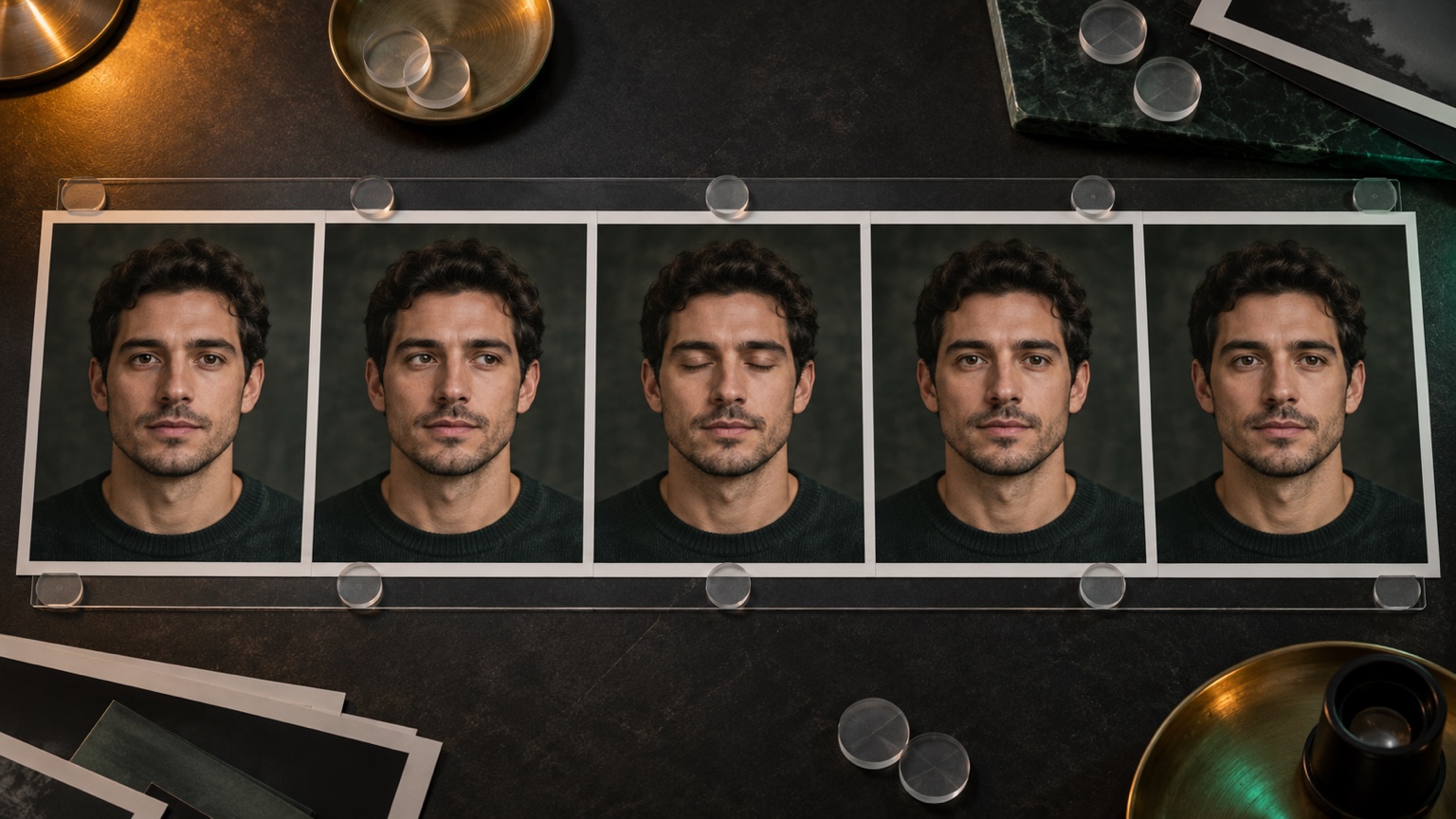
A static camera is often the best first test for a close portrait because it separates facial motion from reframing. If the face remains stable, try a very short push in. Avoid beginning with an orbit, a long pan, or a pull back that reveals large areas outside the source.
Write a Prompt That Protects Identity
Give the prompt four jobs: name one facial action, set its intensity, control the camera, and protect the defining details.
[Person] performs [one small visible action] at a [gentle or controlled pace]. [One camera instruction]. Keep facial identity, facial proportions, eye shape, nose, mouth, jawline, hairstyle, skin tone, clothing, lighting, and background consistent. Do not add new accessories or change the person's age.
You do not need every item in every prompt. Choose the details that would make the result unusable if they changed.
For a direct portrait:
The subject blinks once and makes a very small gaze shift toward the camera. Keep the head near its original angle. Static camera, soft natural movement. Preserve facial identity, eye shape, eyebrows, nose, mouth, jawline, hairstyle, skin tone, clothing, lighting, and background.
For a portrait with environmental motion:
A few loose strands of hair move gently in a light breeze while the subject remains relaxed. The face and head stay nearly still. Static camera. Preserve facial identity, facial proportions, hairstyle, skin tone, clothing, and the original background.
For a three-quarter portrait:
The subject blinks naturally and turns the gaze slightly without rotating the head. Slow, restrained movement. The camera remains fixed. Keep the original face angle, identity, eye spacing, nose, lips, jawline, hair, skin tone, and lighting consistent.
Test the smallest useful version in Vidou's free portrait Image to Video generator. Keep the source unchanged while revising the prompt so each comparison answers one question.
Protect the Face Without Freezing the Entire Shot
Protect the face and a few connected details, then allow motion somewhere else.
- If the face must remain nearly still, let hair tips, clothing, light, or the background carry subtle motion.
- If the expression changes, keep the camera and lighting fixed.
- If the camera moves, reduce facial action to a blink or small gaze shift.
- If a hand is close to the face, keep the hand still or remove that interaction from the first test.
Before adding more motion, save the clearest source and one minimal prompt as your baseline. Every later version should change one decision from that baseline.
Separate Face, Camera, and Environment
Treat the face, camera, and environment as three motion layers. Give one layer priority and keep the others restrained. A portrait-led clip may use one blink with a static camera. An atmosphere-led clip may keep the person still while curtains or soft light move. A camera-led clip may use a small push in while the expression remains unchanged.
If the face changes during a static-camera test, reduce the facial action. If it changes only after a push in, shorten the camera move. If moving hair crosses the eyes, limit the hair rather than rewriting the whole prompt.
Review the Beginning, Middle, and End
Normal playback can hide small changes. Pause at three moments and compare them with the source.
- Beginning: Does the first generated frame already match the source identity, crop, head angle, and lighting?
- Middle: Do the eyes, nose, mouth, jawline, hairline, and skin tone remain coherent during the action?
- End: Does the person still look like the same individual after the blink, gaze shift, camera move, or environmental motion finishes?
Compare relationships: eye spacing, eyebrow shape, the nose and mouth position, jaw width, and hair outline. Also watch for sudden changes in age, makeup, facial hair, accessories, or skin tone.
If one frame looks wrong, identify the first moment of drift. The timing often points to the instruction that needs adjustment. A change during a smile suggests reducing the expression. A change as the camera moves suggests shortening the move. A change when hair crosses the face suggests keeping key features unobstructed.
Fix One Failure at a Time
Use the first visible failure to choose the next revision.
- The face becomes a different person: Reduce the head turn or expression and strengthen the identity and proportion constraints.
- The eyes or mouth change shape: Replace a broad instruction such as “smiles brightly” with one smaller action such as “forms a slight closed-mouth smile.”
- The jaw or head shape shifts: Keep the original head angle and remove an orbit, profile reveal, or large turn.
- The face looks stable but lifeless: Add one blink, breath, or slight gaze change instead of several expression instructions.
- The skin tone or age changes: Keep lighting fixed and explicitly preserve skin tone, age, and facial texture.
- One person changes into another in a group: Name the moving subject by position or clothing and tell the other people to remain still.
Keep the source image, baseline prompt, and accepted clip together. If you change several variables at once, you lose the ability to tell which correction helped.
Know When to Choose a Different Source
Start with another image when the face is very small, blurred, compressed, hidden, covered by glare, or divided by extreme light and shadow. Choose another angle when the motion would reveal a side of the face absent from the source.
For a group portrait, consider a tighter crop when only one person needs to move. For a strong expression change, use a source whose expression is already close to the intended result. A better source usually gives you a clearer baseline than adding a longer list of constraints to a weak image.
Use Portraits Responsibly
Animate only images you have the right and permission to use. Do not use a real person's portrait to impersonate them, misrepresent what they said or did, or create deceptive endorsements. When a generated clip could reasonably be mistaken for real footage, label or disclose its synthetic nature in the final context where it appears.
A Repeatable Face Consistency Workflow
Use one clear portrait, choose one small action, keep the camera restrained, and protect the facial details that define the person. Generate a baseline, compare the beginning, middle, and end, and revise only the first visible failure. Increase motion only after the face remains coherent through the simpler version.
Editorial note: This guide was prepared from Vidou's current public interface, its published educational articles, and general portrait review and prompt-design principles. The prompt examples are instructional and are not presented as benchmarked Vidou outputs. The two editorial images were created with generative AI and reviewed for relevance; they do not depict a real customer, a real person, or actual Vidou generation results.