Best Camera Movements for AI Image to Video
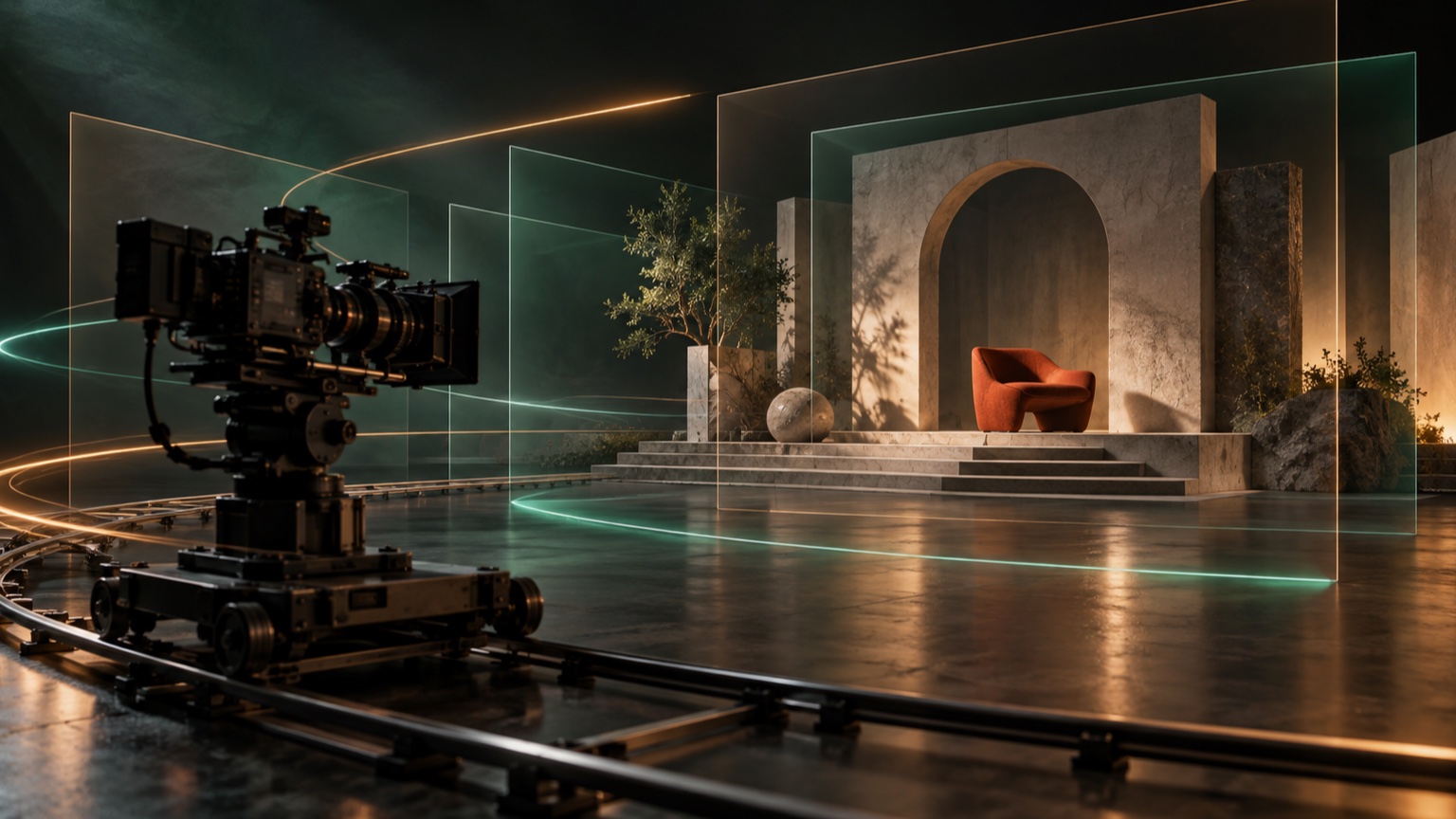
The best camera movement for AI Image to Video is the one your source image already has room to support. A tight portrait usually works better with a static camera or slow push in. A wide landscape can support a short pan. A scene with clear foreground and background layers may support a pull back, tracking move, or gentle arc.
Choose one camera direction, keep it restrained, and avoid asking the shot to reveal large areas that are not visible in the source. For the full prompt structure, read the Image to Video prompt guide. For adaptable wording, browse the 50 realistic motion prompt examples. If framing or background details break, use the common Image to Video problems and fixes to diagnose the result.
Choose by the Space in Your Source Image
Before naming a camera move, inspect the frame. Look for space around the subject, depth between foreground and background, and any straight lines or text that must remain stable.
| Source-image clue | Camera choice to try first | Main risk |
|---|---|---|
| Tight portrait with little surrounding space | Static camera or slow push in | Face or crop changes |
| Centered product with a clean backdrop | Slow push in or very small arc | Shape and label drift |
| Wide landscape with side space | Short pan | Horizon or edge distortion |
| Scene with clear foreground and background | Gentle pull back | Invented objects outside the frame |
| Subject already moving across the frame | Short tracking move | Subject scale or background direction changes |
| Tall building, tree, or waterfall | Restrained tilt | Bent vertical lines or invented top and bottom areas |
| Layered scene with visible depth | Small arc | Hidden surfaces and geometry changes |
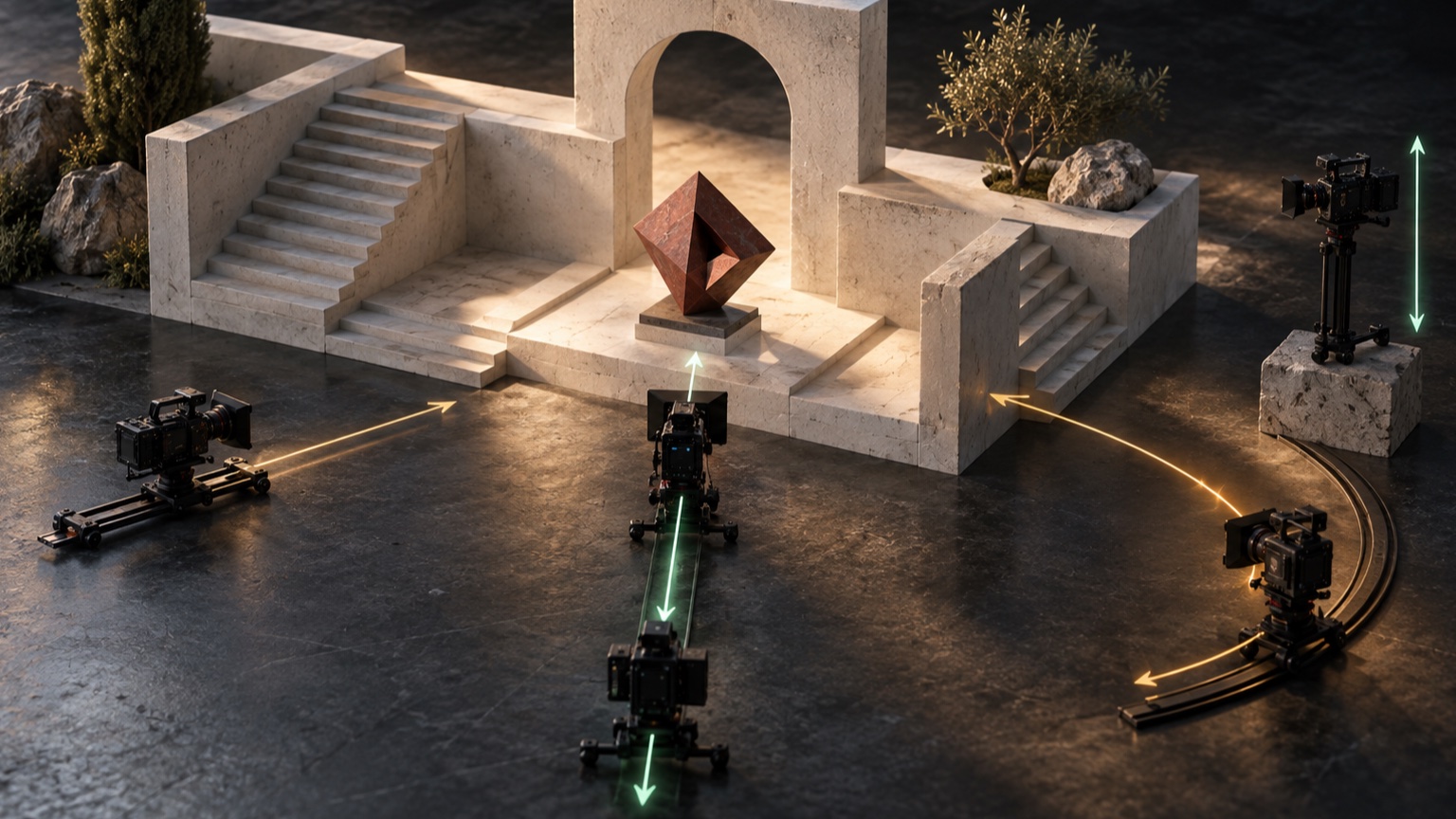
Once you have chosen one move, test a short prompt in Vidou's free Image to Video generator and review the subject, frame edges, background, and final composition. Keep the source image and other instructions unchanged while comparing camera directions.
1. Static Camera: Best for Stability
A static camera is often the strongest choice when the subject or environment already provides enough motion. It keeps the original framing as the visual anchor and reduces the amount of unseen space the shot needs to invent.
Use it for close portraits, products with important labels, architecture with straight lines, or scenes where steam, water, fabric, clouds, or light can create movement. It is also useful when an earlier attempt bends the background or pushes the subject out of frame.
Prompt pattern:
Camera remains static. [Subject or environmental action]. Keep [important details] and the original composition consistent.
Example:
Camera remains static. The subject blinks naturally while a few strands of hair move in a light breeze. Keep the face, hairstyle, clothing, lighting, and background consistent.
2. Slow Push In: Direct Attention
A push in moves the viewpoint closer to the subject. It works well when the subject is already centered, the frame has some space around it, and the goal is to increase attention without revealing a new side.
Use a slow push in for a face, product, plate of food, artwork, or architectural detail. Keep the distance change small. An aggressive push can crop important edges, enlarge facial inconsistencies, or make a product change scale too quickly.
Prompt pattern:
Slow camera push in toward [subject]. [One restrained action]. Preserve [identity, shape, or background details].
Example:
Slow camera push in toward the ceramic cup as steam rises gently. Preserve the cup shape, handle, liquid level, tabletop, and warm morning light.
3. Gentle Pull Back: Reveal Existing Context
A pull back makes the subject smaller and reveals more of the environment. It is most suitable when the source already shows a believable room, landscape, tabletop, or architectural setting around the subject.
The risk is simple: the farther the camera travels, the more new content must appear at the edges. Avoid a long pull back from a tightly cropped portrait or isolated product because the source does not define the missing room, body, or surface.
Prompt pattern:
The camera pulls back gently to reveal more of the visible [environment]. Keep [subject] centered and preserve [scene geometry].
Example:
The camera pulls back gently to reveal more of the sunlit reading room. Keep the reader centered and preserve the chair, window, bookshelves, floor lines, and daylight direction.
4. Short Pan or Lateral Move: Use Side Space
A pan turns the viewpoint horizontally, while a lateral move shifts the camera sideways. In a short AI-generated shot, the practical decision is similar: both need visible space to the left or right and a background that can remain coherent as the framing changes.
Wide landscapes, streets, interiors, and rows of objects can support restrained sideways movement. Tight portraits and product images with no side space usually cannot. Keep horizons, shelves, windows, signs, and repeating lines under close review because small distortions become easy to notice.
Prompt pattern:
Short, smooth camera movement from [direction] across [scene]. Keep [subject, horizon, and structural details] stable.
Example:
Short, smooth camera movement from left to right across the coastal overlook. Keep the lighthouse, cliff edge, horizon, ocean line, and cloud shapes stable.
Do not combine a pan with a push, orbit, and tilt. Let one direction define the shot.
5. Restrained Tilt: Follow Vertical Structure
A tilt moves the viewpoint upward or downward. It can suit a tall building, waterfall, tree, standing figure, or vertical product display when the source includes enough detail above and below the focal point.
Use a short tilt rather than trying to reveal the full height of something that extends beyond the image. Strong vertical lines make errors visible, so preserve building edges, columns, window spacing, tree trunks, or the waterfall's path.
Prompt pattern:
The camera tilts slowly [upward or downward] along [vertical subject]. Preserve [vertical geometry, proportions, and background].
Example:
The camera tilts slowly upward along the waterfall. Preserve the cliff edges, water path, surrounding trees, mist, and natural scale.
If the top or bottom is heavily cropped, choose a static camera or push in instead.
6. Tracking Move: Follow Clear Direction
A tracking move follows a subject moving through the scene. It works best when the source shows a clear travel direction, enough space ahead of the subject, and a background whose perspective supports that direction.
Good candidates include a cyclist on a road, a runner on a track, a car on an open street, or a boat moving across water. Keep the tracking distance short and the pace steady. A complex route or sudden direction change can make the subject scale, pose, and background motion disagree.
Prompt pattern:
The camera tracks smoothly beside [moving subject] at a matching pace. Preserve [identity or shape], scale, and direction of travel.
Example:
The camera tracks smoothly beside the cyclist at a steady pace. Preserve the rider's face, bicycle frame, clothing, road perspective, and forward direction.
Tracking should support movement already suggested by the pose and composition.
7. Gentle Arc: Add Depth Carefully
A gentle arc shifts the viewpoint around the subject by a small angle. It can add depth to a product, sculpture, building, or staged scene when the source shows clear three-dimensional form and some surrounding space.
This is not the same as a full orbit. A large orbit requires hidden sides that the source does not provide. Keep the angle small and state which materials, edges, labels, facial features, and background structures must remain consistent.
Prompt pattern:
The camera makes a small, smooth arc around [subject] without revealing the hidden back. Preserve [shape, surface details, and environment].
Example:
The camera makes a small, smooth arc around the chair without revealing the hidden back. Preserve the chair silhouette, fabric texture, legs, floor, wall lines, and studio lighting.
Use an arc only when the source contains believable depth cues. Otherwise, a push in gives a similar sense of emphasis with less invention.
Write One Camera Instruction
Place the camera sentence after the primary subject action, or use it first when the camera is the main event. A useful structure is:
[One subject action]. [One camera movement and pace]. [One supporting environmental movement]. Keep [important visible details] consistent.
For example:
The chef places the plate on the counter. Slow camera push in as steam rises gently. Keep the chef's face, hands, plate shape, food arrangement, counter, and kitchen background consistent.
Avoid contradictory combinations such as push in while pulling back, or a list that asks for a pan, tilt, orbit, zoom, and tracking shot at once. More camera vocabulary does not create a more cinematic result; it makes the intended viewpoint less clear.
Choose one move, write one short test prompt, and review the full frame before adding complexity.
Review the Beginning, Middle, and End
Check three moments instead of judging only the first frame:
- Beginning: Does the shot preserve the original subject, crop, and composition?
- Middle: Does the camera follow one smooth direction without a jump or sudden scale change?
- End: Are the subject, background geometry, horizon, text, and frame edges still coherent?
If the movement breaks the scene, shorten it or choose a safer direction. Replace an arc with a push in, a pull back with a static camera, or a wide pan with a small lateral move. Change only the camera sentence so the comparison remains useful.
Match the Move to the Image
Start with the visual space your source already provides. Use a static camera for stability, a push in for focus, a pull back for visible context, a pan for side space, a tilt for vertical structure, tracking for clear travel, and a small arc for believable depth. The most effective move is usually the simplest one that supports the subject without asking the frame to invent a new scene.
Editorial note: This guide was prepared from Vidou's current public interface, its published educational articles, and general camera-direction and prompt-design principles. The prompt examples are instructional and are not presented as benchmarked Vidou outputs. The two editorial images were created with generative AI and reviewed for relevance; they do not depict actual Vidou results.