Make a Movie One Clip at a Time
AI Movie lets you build a movie from individual AI-generated clips. Add reference images for your characters, locations, and props, then reuse them across clips to help keep the look consistent. Describe what happens in each clip and join the clips into a movie when they’re ready.
Workflow
How to Make an AI Movie
- 01
Add reference images
Add the people, places, and objects you want to reuse. Give each reference a name so you can find it when you work on a new clip.
- 02
Describe and generate each clip
Describe one action at a time. Choose the references you need for that clip, set its duration and resolution, then generate it.
- 03
Put your clips together
Review each clip, arrange them in story order, and join them into one movie.
Keep a Character Recognizable Across Clips
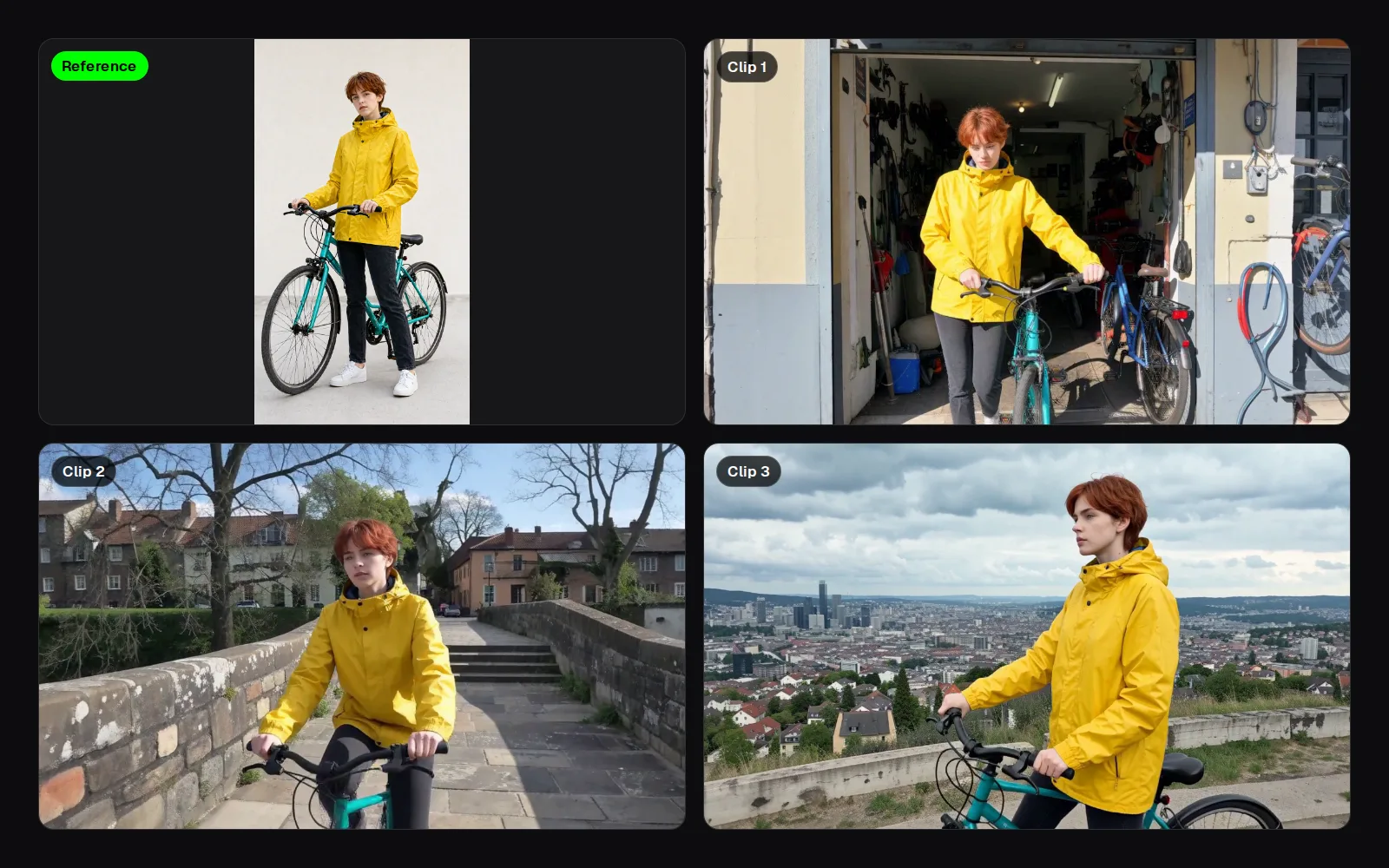
Reuse the same character reference whenever that character appears. For example, use one photo of a cyclist in a yellow jacket for three clips. In the first clip, the cyclist leaves a repair shop. In the second, they cross a bridge. In the third, they arrive at a lookout. Each clip has a different action and setting, with the same character reference throughout.
Reuse a Location or Prop When It Matters
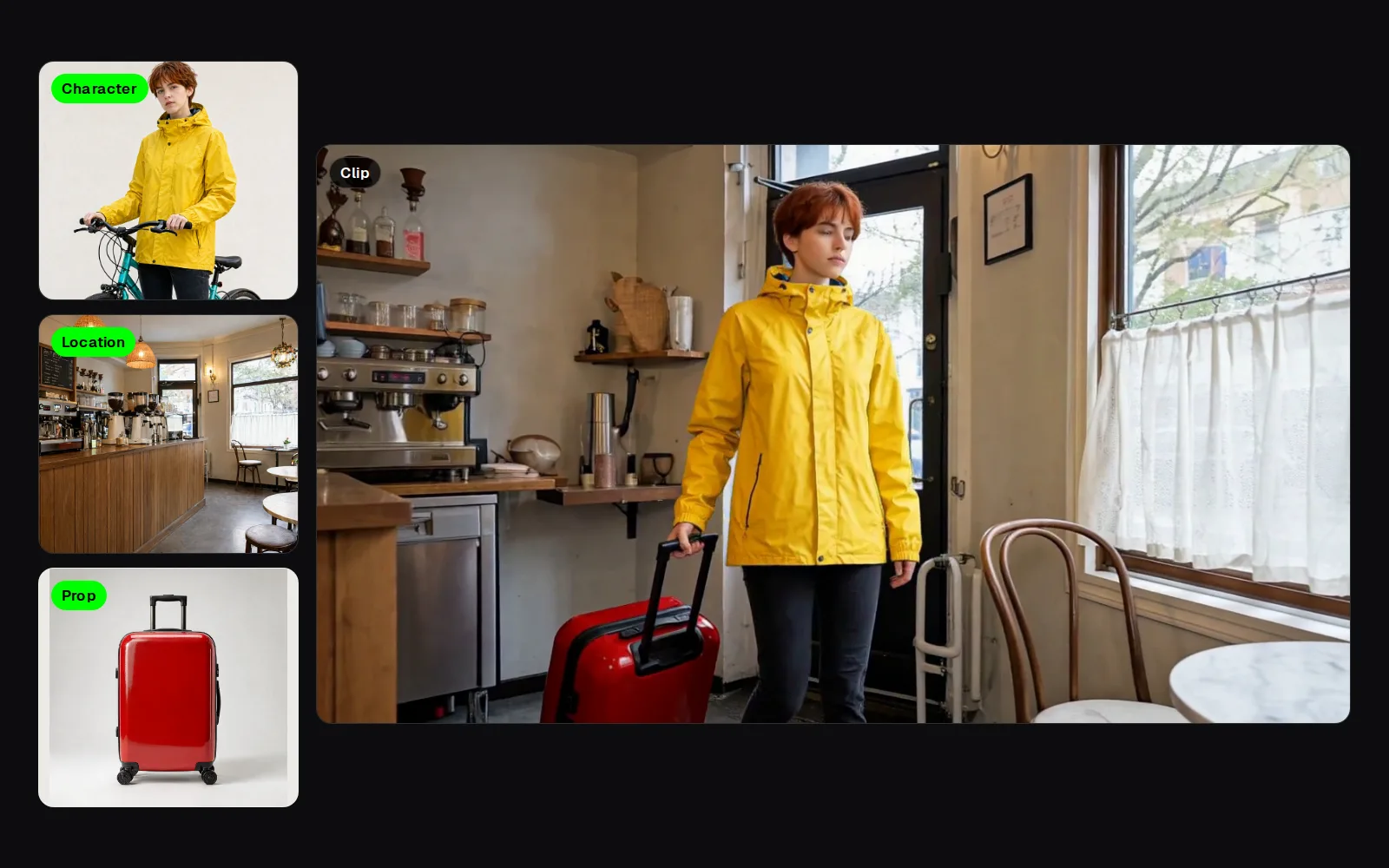
Add reference images for details that should carry over from one clip to the next. If two clips take place in the same café, reuse the café photo to help preserve its layout. If a red suitcase appears in several clips, reuse its reference and describe what the character does with it in each clip.
Make a short film with consistent characters
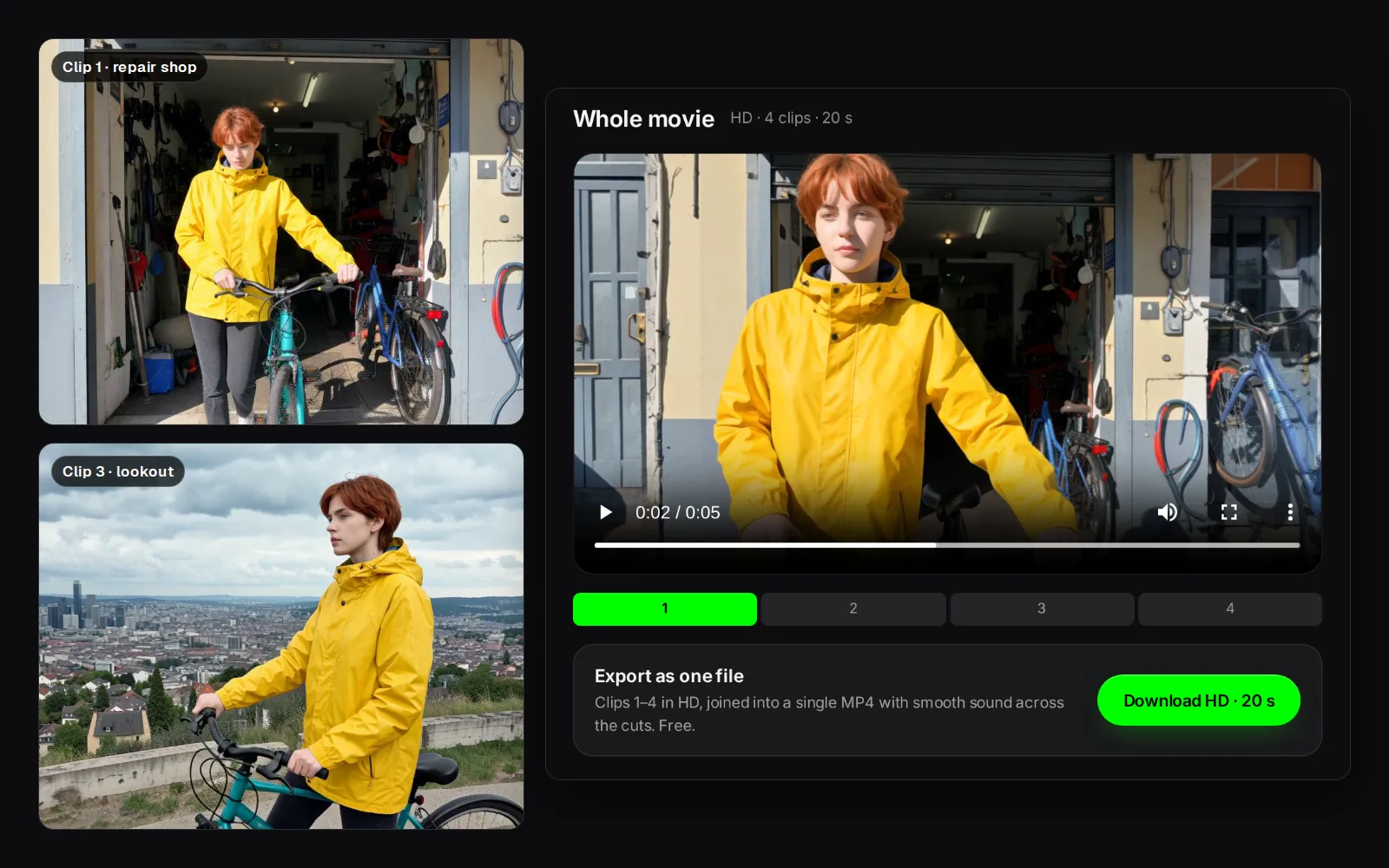
Build your film one clip at a time. Reuse characters from your library and export your HD clips as one movie.
Reuse characters, scenes, and props
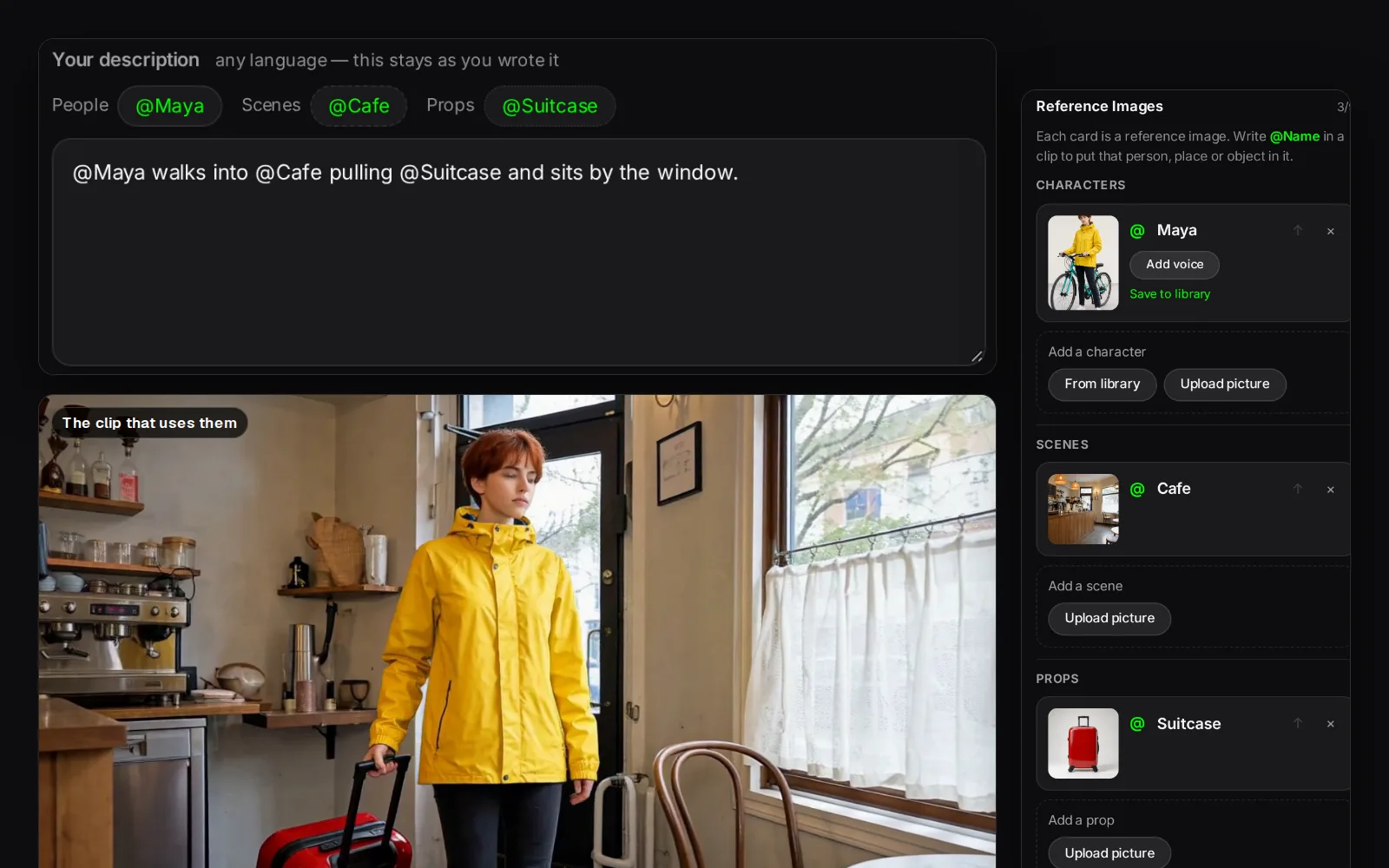
Add recurring characters from your library. Use reference images to show what a location or prop should look like, and mention it by name in your clip description.
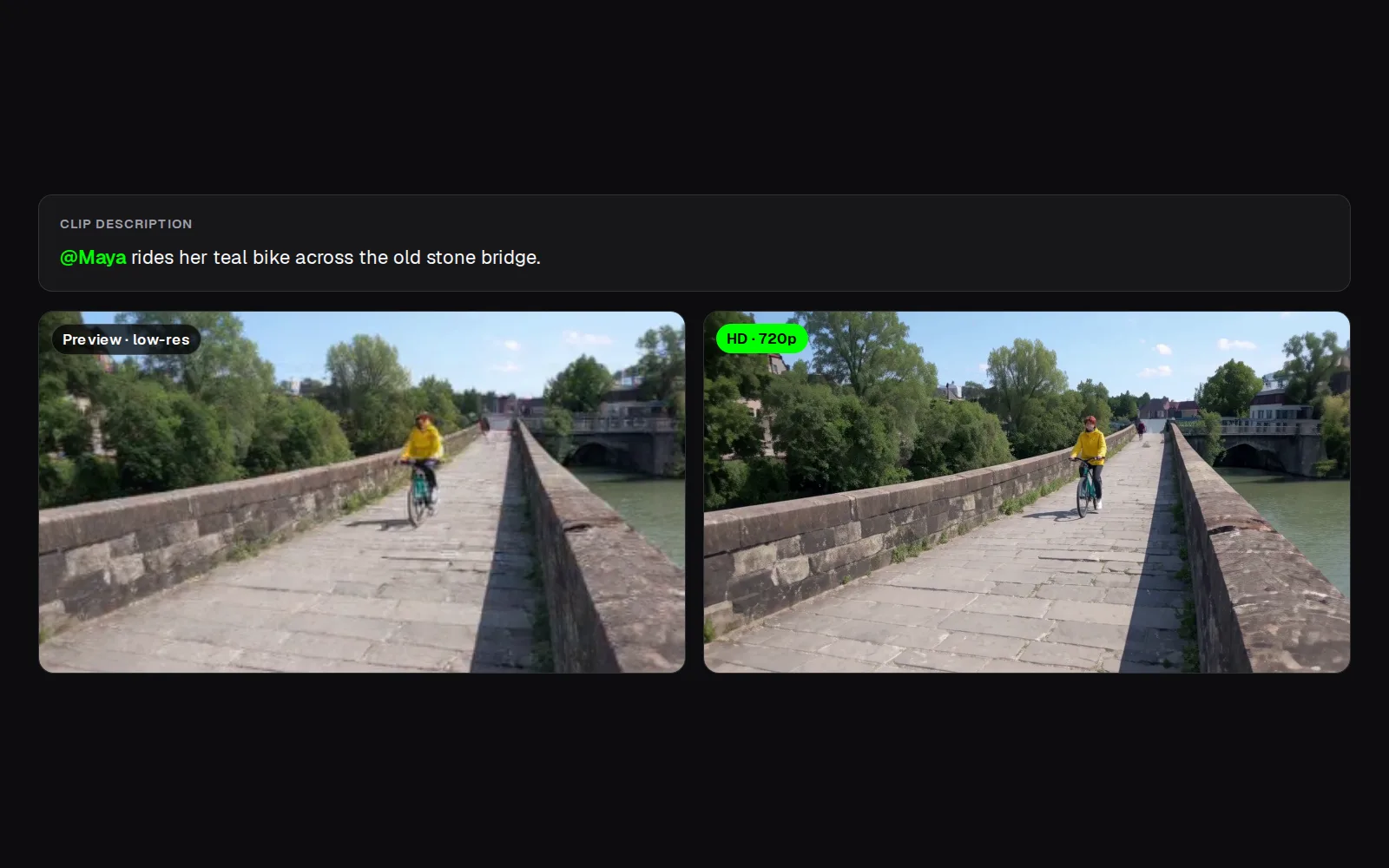
Preview each clip before generating it in HD
Describe what happens in a clip, preview the result, and revise the description if needed. When you are happy with the preview, generate the clip in HD and move on to the next one. Preview and HD rates are listed on Pricing.
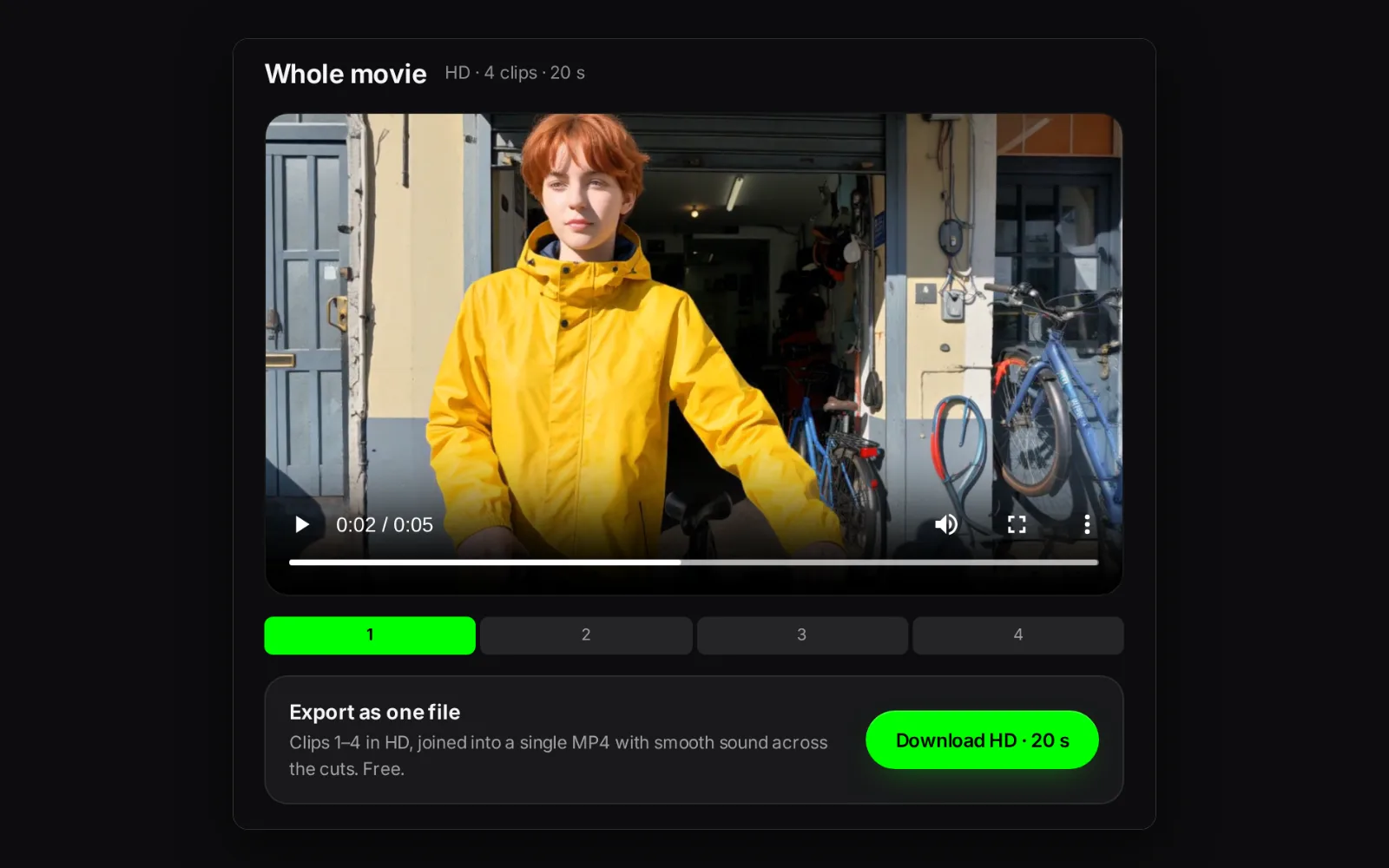
Play and export your film in HD
Open Whole movie to watch your HD clips in order and export them as a single video.
AI Movie FAQ
Write a short description for each clip, focusing on the action you want to see. Join the finished clips in story order.
Reuse the same character reference wherever the character appears. If specific details matter, such as a yellow jacket or round glasses, mention them in the clip description.
Yes. Add a reference for a place or object you want to bring into a clip. Reuse that reference in later clips when the same detail should appear again.
Each clip is priced by duration and resolution. Check the credit cost before you generate. Joining clips into a movie is free. See Pricing for current rates.
Yes. Add the character from your library and reference them by name in each clip where they appear.
You can add characters, scenes, and props. Reference them by name when describing what happens in a clip.
Movie export uses HD clips. Generate each clip you want to include in HD before exporting.
Explore More AI Tools
Continue your workflow with another Vidou tool.
Ready to Make Your Movie?
Start with a reference image and one action for your first clip.
Create Your Movie