Free AI Image to Video Generator
Use advanced AI technology to add dynamic effects to your images and create stunning video content.
Image to Video for Free — No Login.
Turn images into video in seconds — 100% free, no login required.
Click to upload an image
Fast Processing
Average 10-30 seconds to complete conversion
Privacy Protection
Images automatically deleted to protect privacy
HD Output
Supports 720p video export
Why Our Free AI Image to Video Generator Stands Out
More than just free — our AI image to video generator is fast, easy to use, and doesn't require prompt engineering skills.
Free Forever. No Login. 100% Private.
You can use our AI image to video generator completely free, with no need to sign up or share personal information. There are no hidden limits, no watermarks, and no tracking—we don't store your files, and everything runs right in your browser. Create as much as you want, whenever you want. Privacy-first and frictionless by design.
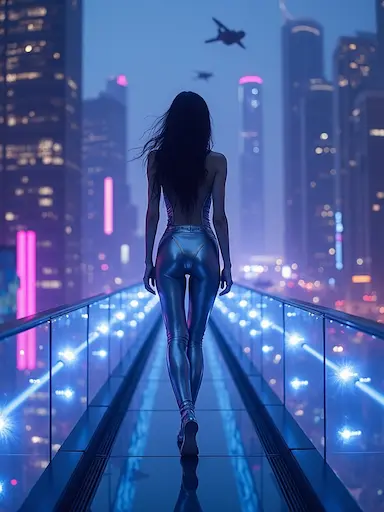
Woman walks on neon-lit skybridge in futuristic city, camera pans, hair moves, glowing lights pulse.
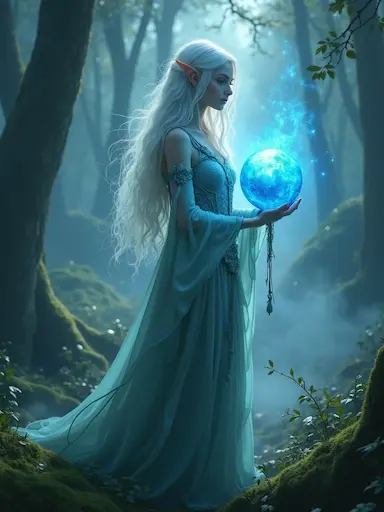
Magical orb glowing brighter, hair and dress flowing gently, mist swirling around, mystical forest ambiance
Faster Speed. Sharper Results.
Our generation engine is powered by a deeply optimized AI model tailored for image to video tasks. Unlike generic solutions, it delivers higher visual fidelity and smoother motion in less time. Whether you're rendering on desktop or mobile, our image to video generator online gives you fast, stable results with crisp details and frame-by-frame consistency—no GPU needed.
No Expert Prompts Needed — Natural Words Work.
You don't need to be a prompt engineer to use our AI image to video generator. Just type simple, natural language like "dreamy forest with soft light" or "anime-style character" — no need to learn complex syntax or technical terms. The system understands your intent, applies suitable motion and visual style, and delivers high-quality results. Whether you're a beginner or a pro, your words are enough to bring your image to life.
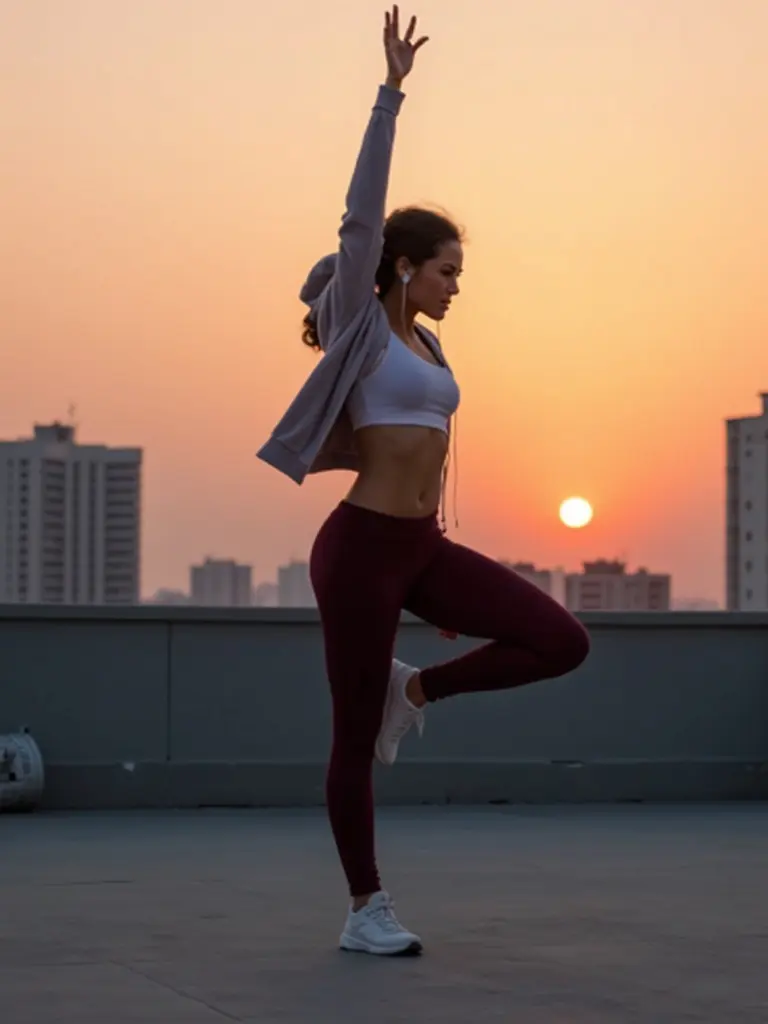
Female dancer stretches on rooftop at sunrise, breath visible, then starts moving rhythmically.
How to Turn Images into Videos in Seconds
Upload Your Image
Choose any static image from your device—portraits, landscapes, product photos, or artwork. Our AI image to video generator supports all common image formats including JPG, PNG, and WEBP.
Describe the Motion
Type a simple prompt in natural language describing how you want the image to move. No technical skills needed—just say "waves gently flowing" or "hair blowing in the wind" and our image to video AI understands your intent.
Generate and Download
Select your preferred aspect ratio, click generate, and watch as our AI image to video generator transforms your static image into a high-quality video in seconds and download instantly.
Why Choose Our Image-to-Video Generator
We go beyond just being free — our AI image to video generator offers speed, control, privacy, and smart defaults that make video creation effortless for everyone.
Truly Free, No Limits
Enjoy unlimited image to video generation with no hidden restrictions. Create as much as you want — all for free.
No Login Required
Get started instantly. Our image to video tool runs entirely in the browser — no sign-up, no personal info, just results.
Fast Generation, Optimized Models
Our engine is built for speed, delivering clean, stable videos in seconds, even on everyday devices.
High-Quality Motion
From gentle zooms to complex parallax effects, our AI image to video generator produces smooth and cinematic motion that enhances your visuals.
Simple Prompts, Smart Results
No need to master complex prompt language — just describe what you want in plain English and let the AI handle the rest.
Privacy First
We never store your images or videos. Everything is processed securely in your browser, and your content is deleted automatically after rendering.
Frequently Asked Questions
Everything you need to know about our AI image to video generator
Is this AI image to video generator really free?
Yes, our AI image to video generator is completely free with no hidden costs or subscription fees. You can generate unlimited videos without any restrictions. There are no credit requirements. We believe in making advanced AI technology accessible to everyone.
Do I need to create an account to use the image to video tool?
No account or login is required. Simply upload your image, describe the motion you want, and generate your video instantly. We designed our platform to be completely frictionless—no sign-up forms, no email verification, no personal information needed. Just visit the site and start creating.
What image formats does the AI image to video generator support?
Our image to video generator supports all common image formats including JPG, JPEG, PNG, WEBP, and more. You can upload photos from your smartphone, digital camera, or any image editing software. The tool automatically optimizes your input for the best video quality regardless of the original format.
How long does it take to generate a video from an image?
Generation typically takes just a few seconds to a minute depending on your device and internet connection. Our AI model is optimized for speed without sacrificing quality. Unlike other image to video tools that can take several minutes, our system delivers results fast so you can iterate quickly and experiment with different prompts.
Are my images and videos stored on your servers?
No, we prioritize your privacy. All processing happens in your browser, and we do not store any of your uploaded images or generated videos on our servers. Once you close your browser or navigate away, your content is automatically deleted. Your creative work remains completely private and under your control.
What kind of motion can I create with the image to video AI?
You can create a wide variety of motion effects including camera movements (pan, zoom, tilt), object motion (flowing water, waving flags, moving clouds), atmospheric effects (wind, rain, light changes), and character animation (hair movement, facial expressions). Simply describe the motion you want in natural language, and our AI will interpret and apply it to your image.
Can I use the generated videos commercially?
Yes, you own the rights to the videos you create with our AI image to video generator. You can use them for personal projects, commercial work, social media content, marketing materials, or any other purpose. There are no licensing fees or usage restrictions. However, please ensure you have the rights to the original images you upload.
Do I need any technical skills or prompt engineering knowledge?
Not at all. Our image to video AI is designed for everyone, regardless of technical background. You don't need to learn complex prompt syntax or AI terminology. Just describe what you want in plain, natural language like you would tell a friend. For example, "gentle ocean waves" or "dramatic sunset lighting" works perfectly. The AI understands intent and handles the technical details automatically.
How long are the generated videos?
Each video generated by our AI image to video tool is 5 seconds long. This duration is optimized to showcase smooth, dynamic motion while keeping file sizes manageable and generation times fast. Five seconds is perfect for social media posts, website headers, presentation elements, and quick visual storytelling. The short format ensures high-quality motion throughout the entire clip without unnecessary padding.
What resolution are the generated videos?
Our image to video generator produces videos at 720p (1280×720) resolution, which strikes the perfect balance between visual quality and file size. This HD resolution is ideal for most use cases including social media platforms, websites, digital displays, and presentations. The 720p output ensures crisp, professional-looking results that load quickly and play smoothly across all devices—from smartphones to desktop computers—while maintaining the fine details and motion quality that make your videos stand out.
Can I close the page after submitting my image to video task?
No, please keep the page open while your video is being generated. Since our AI image to video generator processes everything in your browser for privacy reasons, closing the page will interrupt the generation process and cause your task to fail. Your image and settings will be lost, and you'll need to start over. Just keep the tab open until you see your completed video and download it.
What aspect ratios are supported for the generated videos?
Our image to video AI supports five popular aspect ratios to match different platforms and use cases: 9:16 (vertical/portrait for TikTok, Instagram Reels, YouTube Shorts), 16:9 (horizontal for YouTube, websites, presentations), 1:1 (square for Instagram posts), 4:3 (classic format), and 3:4 (vertical alternative). For the best results, we recommend choosing an aspect ratio that closely matches your original image's proportions. This minimizes cropping and ensures the AI can generate natural, smooth motion without distortion. The generator will automatically adjust the composition while preserving the key elements of your image.
Ready to Get Started?
Experience AI image-to-video generation now and bring your creativity to life.